
CEO West Bengal Voter List 2026 is available now on the official website of Chief Electoral Officer, West Bengal. The updated electoral roll contains the names of all eligible voters in the state, and anyone can download the West Bengal voter list PDF by district or search their name online before the next election.
Voter list for West Bengal is published by the office of Chief Electoral Officer (CEO), West Bengal. The final electoral roll for the current financial year is now live, and the PDF versions are available district-wise on the official portal at ceowestbengal.wb.gov.in. Voters can also check their details through the Election Commission of India's official voters service portal at voters.eci.gov.in.
If you are looking for the voter list for any other state, the same process works for every CEO website in India. This article explains how to download the WB voter list PDF with photos and how to search your name in the West Bengal electoral roll for 2026.
West Bengal Voter List 2026
The CEO West Bengal voter list 2026 is the latest electoral roll prepared after the summary revision of the voters list. Every voter should check their name in the final electoral roll, especially before the state assembly elections and any local body polls.
How to Download WB Voter List PDF
Follow these steps to download the West Bengal new voter list PDF with photos directly from the official CEO West Bengal website.
STEP 1 - Visit the CEO West Bengal official website at ceowestbengal.wb.gov.in. The earlier address ceowestbengal.nic.in now redirects to this new domain.
STEP 2 - On the homepage, click on the "Electoral Roll (Voter List)" section or open the district list page. The direct link for the electoral roll PDF page is https://ceowestbengal.wb.gov.in/DistrictList.

STEP 3 - Select the District Name, Assembly Constituency Name, and Polling Station Name. Then click on "Draft Roll", enter the given captcha, and click the Verify button.
STEP 4 - Download the WB PDF voter list for the polling station you selected.
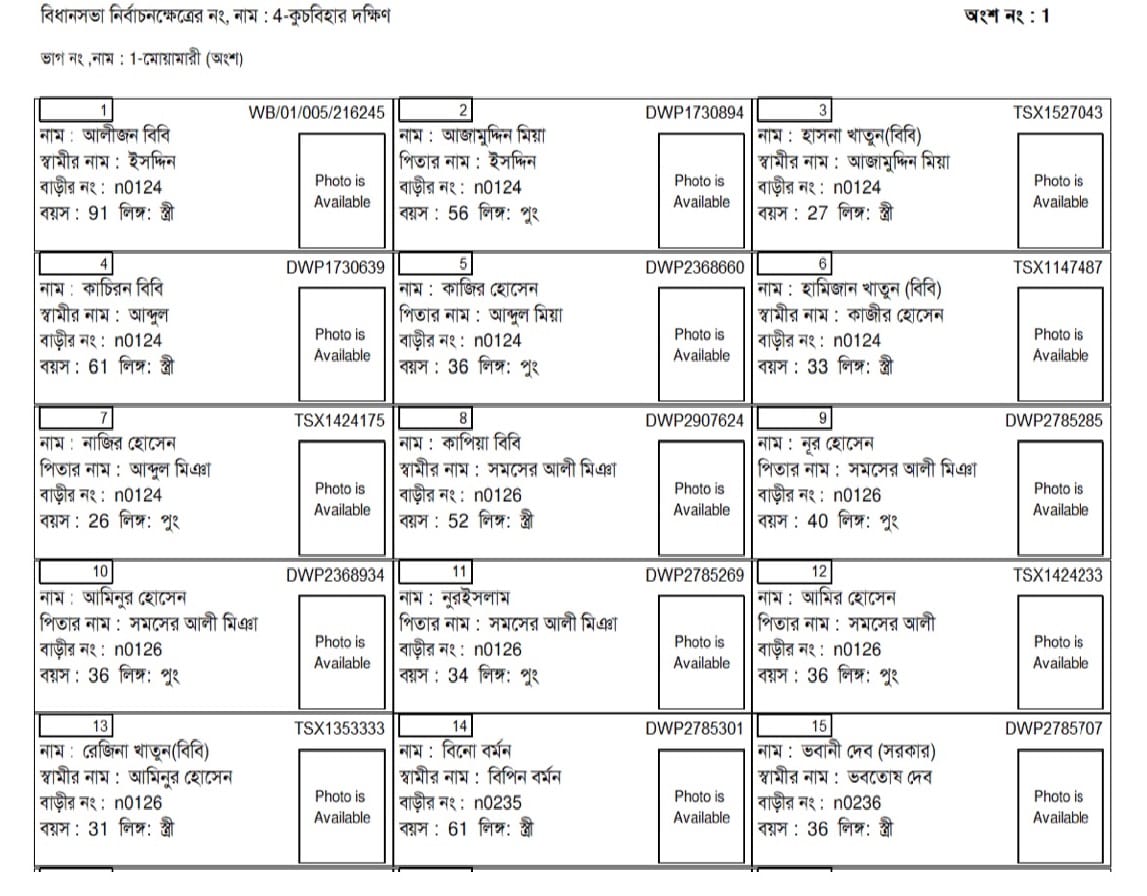
Search Your Name in West Bengal Voter List 2026
Checking your name in the West Bengal electoral roll is easy. You can search by name, EPIC number, or other details on the official voter search portal.
STEP 1 - Visit the official voters service portal of Election Commission of India at voters.eci.gov.in, or open the CEO West Bengal website at ceowestbengal.wb.gov.in.
STEP 2 - On the homepage, click on "Search in Electoral Roll" or "Search Your Name in Voter List".
STEP 3 - Select the option to search by name, enter your First Name, Last Name, State, District, and Assembly Constituency, type the captcha, and click the Search button. You can also search using your EPIC number if you have your voter ID.
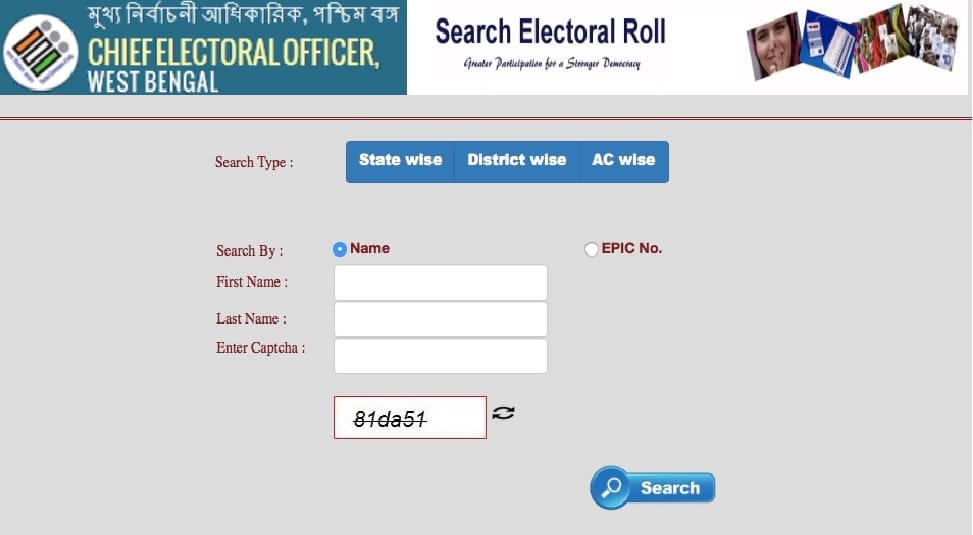
STEP 4 - Your voter details, including your name, voter ID number, and polling station, will be displayed on the screen.
Highlights of CEO West Bengal Voter List 2026
| Detail | Information |
|---|---|
| List Name | CEO West Bengal Voter List 2026 |
| State | West Bengal |
| Published By | Chief Electoral Officer, West Bengal |
| Official Website | ceowestbengal.wb.gov.in |
| Search Portal | voters.eci.gov.in |
| PDF Available | District, Assembly Constituency and Polling Station wise |
| Helpline Number | 1950 |
Voter Helpline
If you have any questions about the WB voter list, online voter registration, photo electoral roll 2026, list of Electoral Registration Officers (ERO), or list of Booth Level Officers (BLO), you can contact the voter helpline at 1950 or email at eco-election-wb@nic.in.
For voters who are new to the process, the ECINet voter list guide explains how to search the electoral roll across India, and the NVSP voter list article covers voter ID registration and e-EPIC download. Check your name in the West Bengal voter list 2026 today and make sure your details are correct before the elections.
E EPIC CARD DOWNLOAD
WEBSITE PROVITED PLZ SIR,
I d card digital plz